
Excel & Office
MS Excel, Advanced Excel & MIS
Develop spreadsheet skills for accounting records, business calculations, data analysis and management reporting.
- Duration90 days
- ModeOnline live and classroom, depending on batch availability
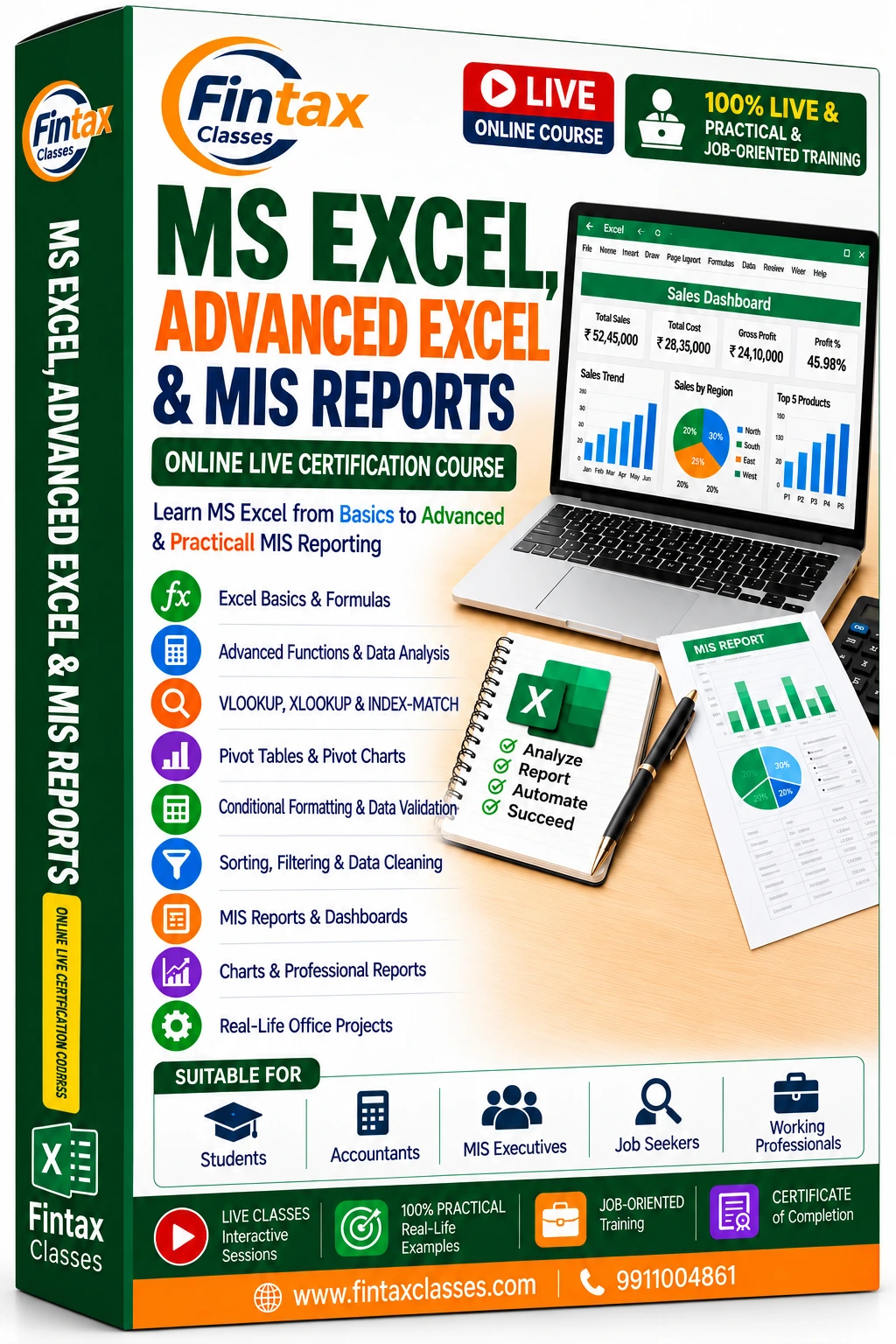
Free demoavailable for this course
What you will learn
01 MS Excel basics 4 topics
- Excel interface, workbook and worksheet management
- Rows, columns and cells, data entry and editing
- Cell formatting, including number, date and text formatting
- Copy, paste and fill options, printing and page setup
02 Excel formulas and functions 4 topics
- Basic mathematical formulas, SUM, AVERAGE, COUNT and COUNTA, MIN and MAX
- IF function, AND and OR, ROUND and related functions
- Percentage, date and text calculations
- Formula error handling and practical formula exercises
03 Advanced Excel functions 4 topics
- VLOOKUP, XLOOKUP, HLOOKUP basics, INDEX and MATCH
- IFERROR, SUMIF, SUMIFS, COUNTIF and COUNTIFS
- AVERAGEIF and AVERAGEIFS, text and date functions
- Combining multiple functions and practical advanced formula cases
04 VLOOKUP, XLOOKUP and INDEX-MATCH 4 topics
- VLOOKUP syntax and usage, approximate and exact matching
- XLOOKUP fundamentals and INDEX-MATCH combination
- Lookup across tables and handling missing data
- Error handling and real-world lookup examples
05 Data sorting and filtering 4 topics
- Sorting data and multi-level sorting
- Filtering data, custom filters, and number, date and text filters
- Advanced filtering concepts and removing unwanted records
- Working with large datasets and practical data management
06 Data cleaning 4 topics
- Identifying and removing duplicate records, handling blank cells
- Text-to-Columns, Find and Replace, TRIM and text cleaning
- Data formatting and standardising data
- Cleaning inconsistent records and practical data cleaning cases
07 Conditional formatting 4 topics
- Basic conditional formatting and highlighting values
- Duplicate value identification, data bars, color scales and icon sets
- Formula-based conditional formatting
- Performance-based highlighting and practical reporting examples
08 Data validation 4 topics
- Understanding data validation and drop-down lists
- Number, date and text length restrictions
- Input messages and error alerts
- Creating professional data entry sheets and practical examples
09 Pivot Tables 4 topics
- Introduction to Pivot Tables, creating them, and rows, columns and values
- Filters and slicers, grouping data and date-based analysis
- Summarising large datasets and calculated fields basics
- Refreshing Pivot Tables and practical Pivot Table projects
10 Pivot Charts 4 topics
- Creating Pivot Charts and selecting appropriate charts
- Chart filtering and using slicers
- Dynamic reporting concepts and comparing business data
- Creating management-friendly reports and practical examples
11 Charts and data visualisation 4 topics
- Column, bar, line, pie and area charts
- Combination charts and chart formatting
- Data labels, titles and legends
- Professional chart design and choosing the right chart for data
12 MIS reporting 4 topics
- Understanding MIS and MIS report structure
- Daily, weekly and monthly MIS
- Sales, purchase and expense MIS
- Employee, attendance and performance MIS, and management reporting
13 MIS dashboards 4 topics
- Dashboard fundamentals, layout, KPI creation and summary tables
- Charts and visualisations, and pivot-based dashboards
- Slicers, filters and dynamic reporting concepts
- Management dashboard and a practical dashboard project
14 Professional Excel reports 4 topics
- Report formatting and professional tables
- Headers and footers, page layout and print settings
- Report presentation, data summaries and management-friendly reporting
- Monthly report preparation and practical reporting cases
Please confirm the detailed syllabus, schedule and batch availability with the Fintax Classes team.
Who is this course for?
- Students, including B.Com and M.Com students
- Accountants and MIS executives
- HR and finance professionals
- Freshers and job seekers
- Working professionals
- Business owners
- Anyone who wants to improve Excel skills
Why choose this course
- 100% live training
- Practical, job-oriented learning
- Beginner to advanced Excel
- Advanced Excel functions
- VLOOKUP and XLOOKUP
- INDEX-MATCH
- Pivot Tables and Pivot Charts
- Data cleaning
- Conditional formatting and data validation
- MIS reports
- Excel dashboards
- Professional charts
- Real-life office projects
What you can do after this course
After completing this course, you will have practical knowledge of using Excel for everyday office work, accounting, data analysis and management reporting. You will be able to work with formulas and advanced functions, clean and organise datasets, perform lookups, create Pivot Tables and charts, prepare MIS reports, build dashboards and present business data in a professional format.
Interested in MS Excel, Advanced Excel & MIS?
Talk to our team about the syllabus, fees and upcoming batches.
Related courses
 Excel & Office
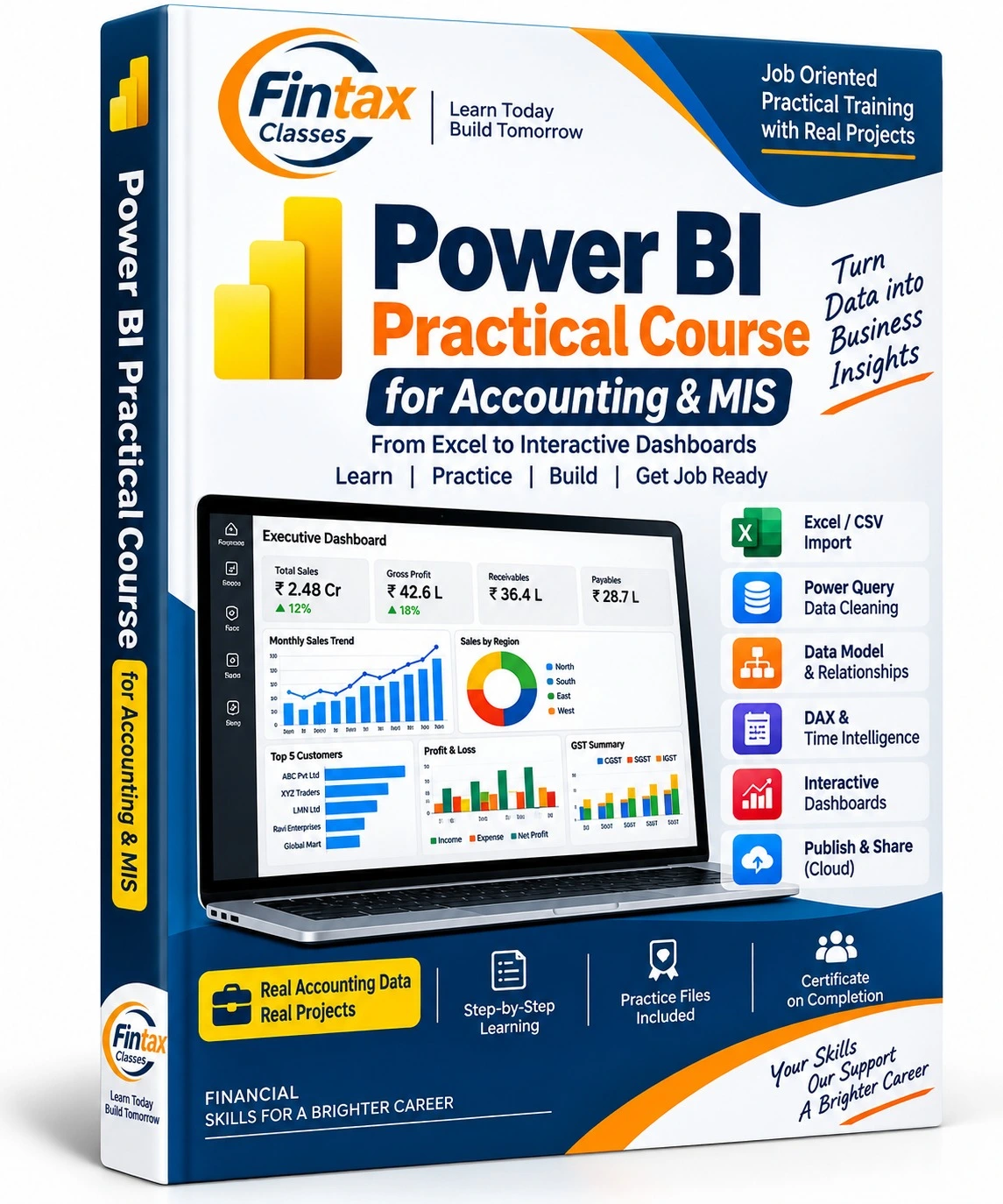
Power BI Practical Course
Turn accounting data into interactive dashboards, from Excel/CSV import and Power Query cleaning to DAX, data models and publishing.
View course
 Accounting & Reporting
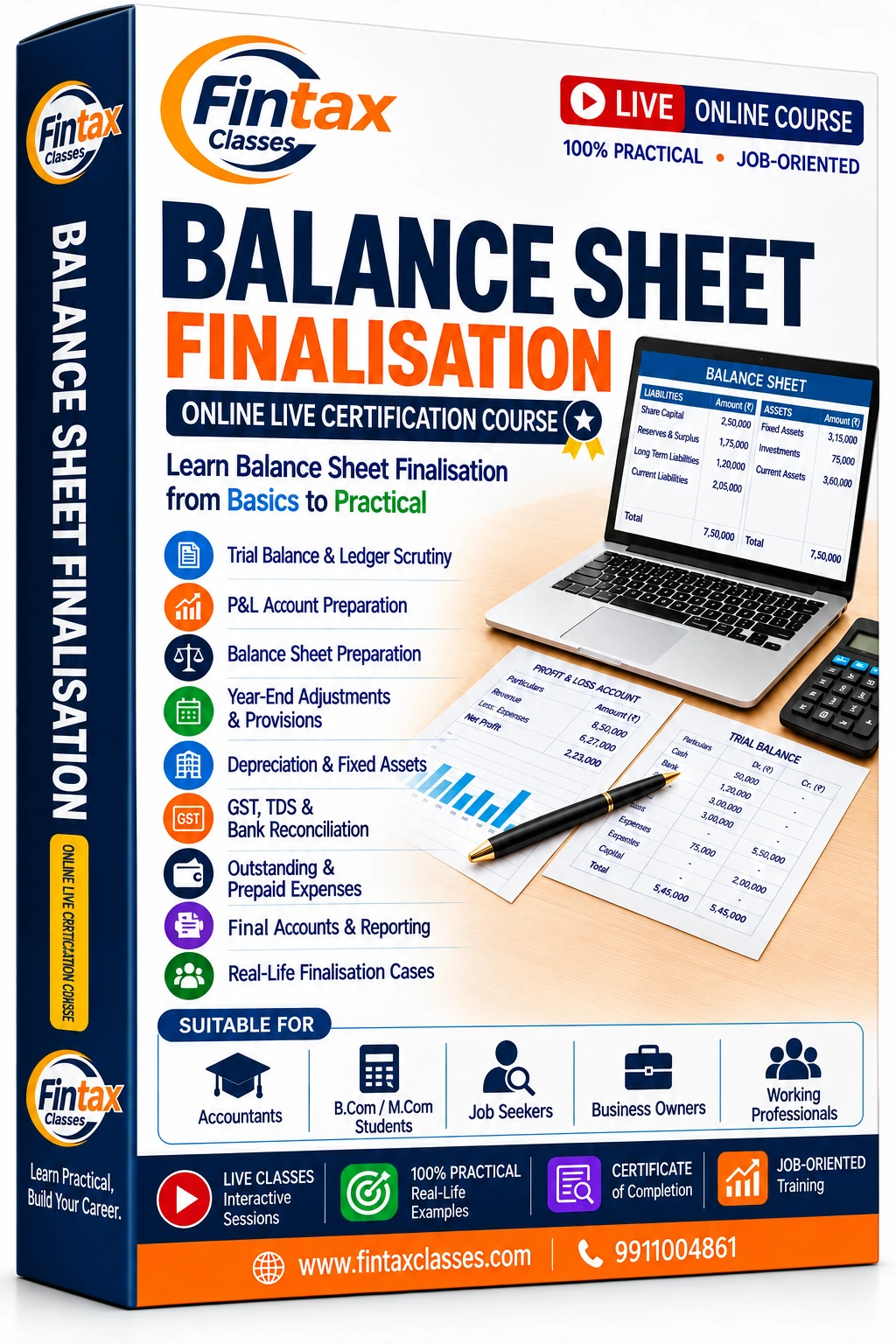
Balance Sheet Finalisation
Practical workflow for Trial Balance review, ledger scrutiny, year-end adjustments and financial statement preparation.
View course
 Business & Startup Consultancy
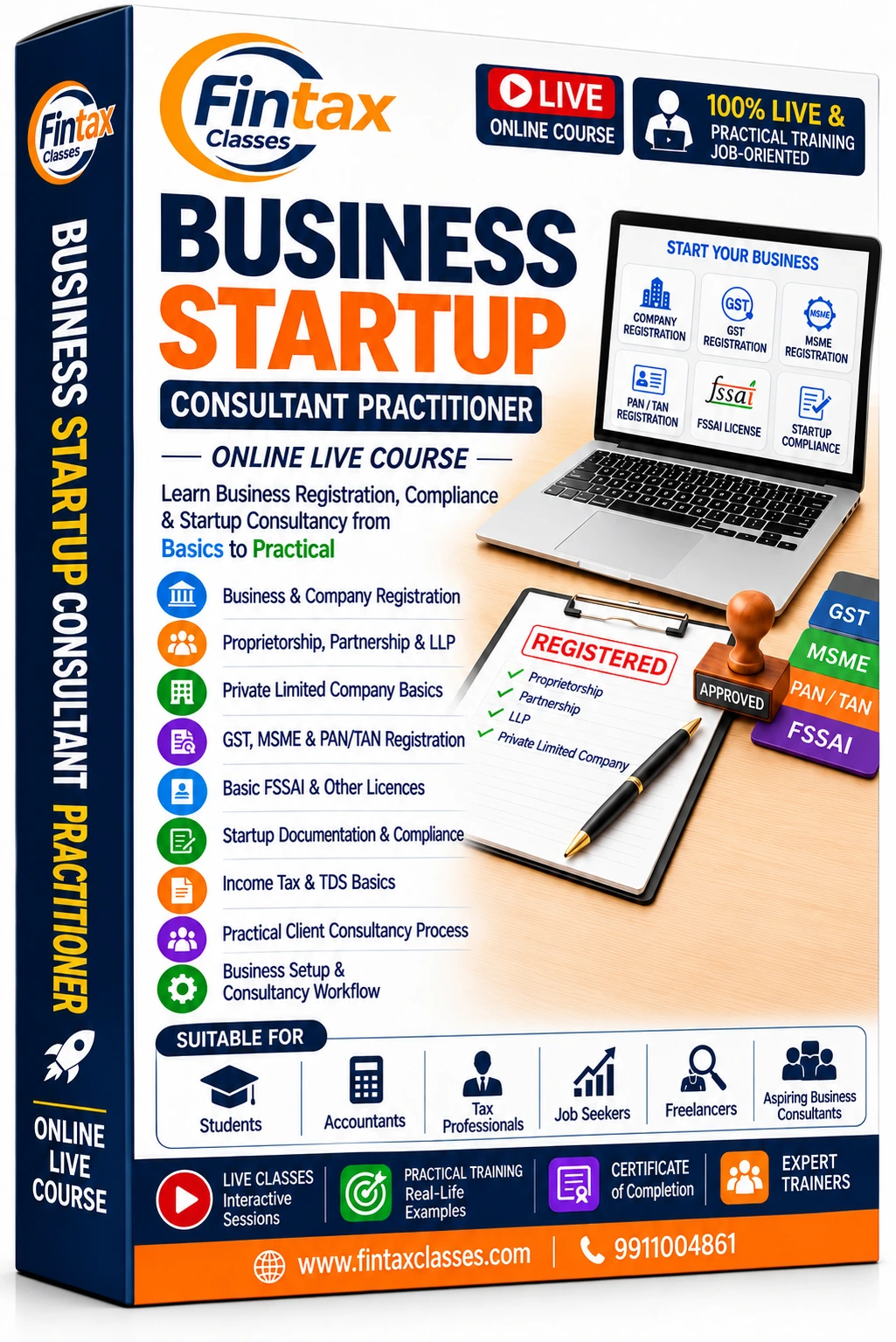
Business Startup
Learn Business Registration, Compliance & Startup Consultancy from basics to practical through 100% live, practical and job-oriented training.
View course