
Excel & Office
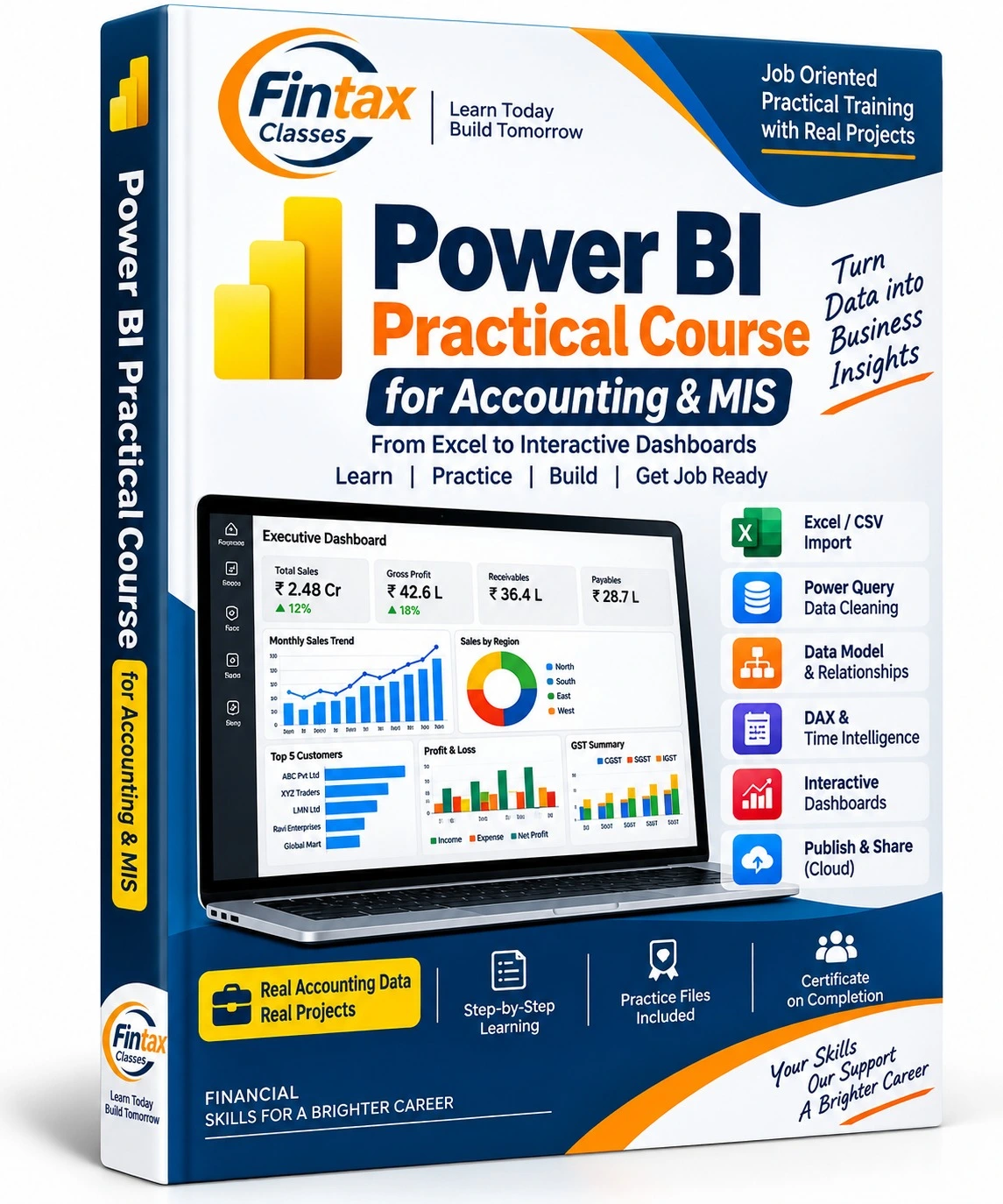
Power BI Practical Course
Job-oriented, practical Power BI training on real accounting data: go from Excel to interactive dashboards for sales, profit and loss, receivables, payables and GST.
- Duration30 days
- ModeOnline live and classroom, depending on batch availability
Free demoavailable for this course
What you will learn
01 Excel / CSV import 2 topics
- Importing accounting data from Excel and CSV files
- Understanding tables, rows and columns for reporting
02 Power Query data cleaning 2 topics
- Cleaning and shaping accounting data
- Combining and transforming data before reporting
03 Data model and relationships 2 topics
- Building a data model for accounting and MIS data
- Creating relationships between tables
04 DAX and time intelligence 2 topics
- Writing DAX measures for sales, profit, receivables and payables
- Time intelligence: monthly trends and period comparisons
05 Interactive dashboards 2 topics
- Executive dashboard with sales, gross profit, receivables and payables
- Charts for sales trend, region, top customers, profit & loss and GST summary
06 Publish and share (cloud) 2 topics
- Publishing reports to the cloud
- Sharing dashboards with your team
Please confirm the detailed syllabus, schedule and batch availability with the Fintax Classes team.
Who is this course for?
- Accountants, MIS executives and finance professionals who report from Excel.
- Commerce students and job seekers who want a practical reporting skill.
Why choose this course
- Real accounting data and real projects
- Step-by-step learning
- Practice files included
- Certificate on completion
- Job-oriented practical training
What you can do after this course
Build interactive accounting and MIS dashboards in Power BI, from raw Excel/CSV data to a published, shareable report.
Interested in Power BI Practical Course?
Talk to our team about the syllabus, fees and upcoming batches.
Related courses
 Excel & Office
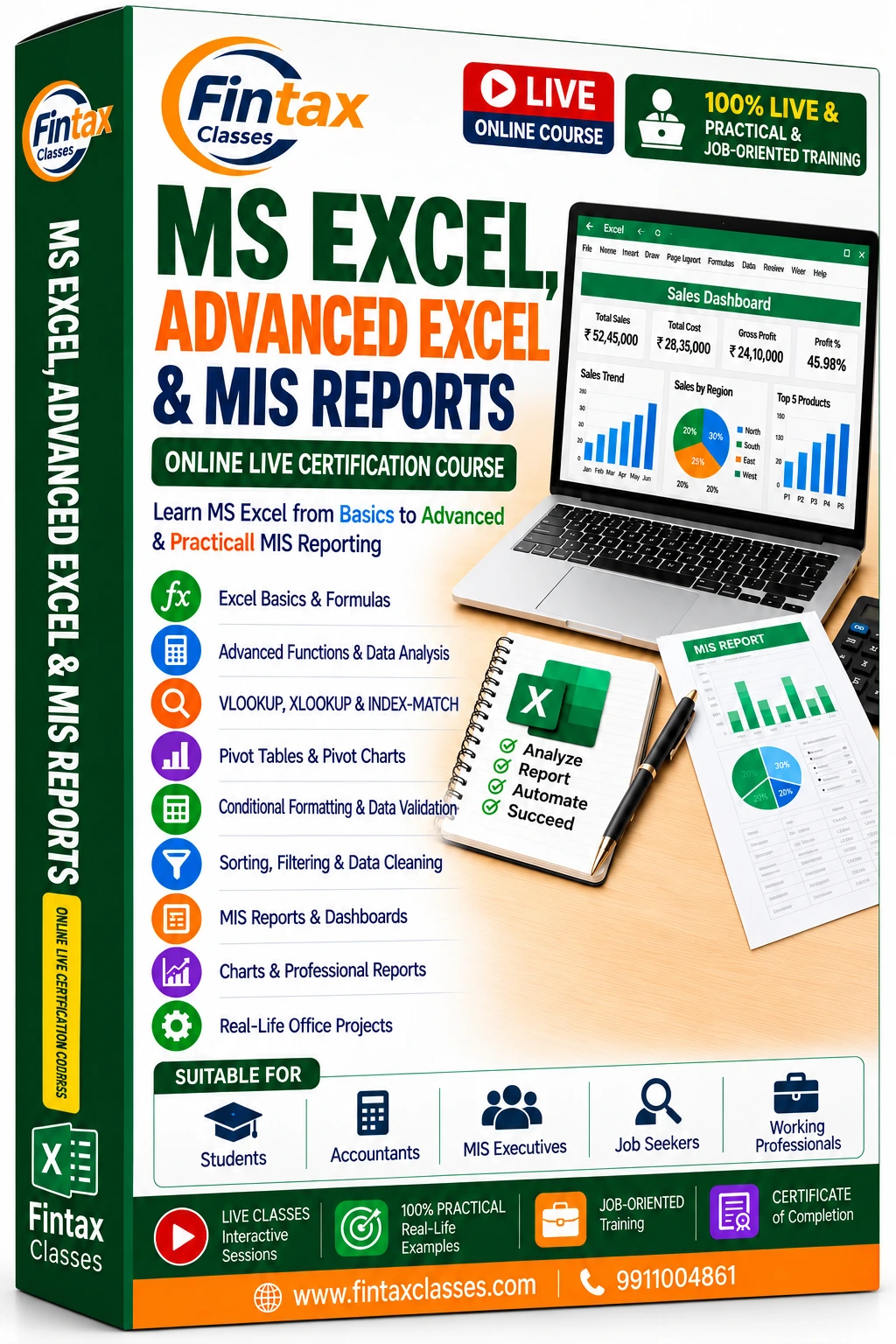
MS Excel, Advanced Excel & MIS
Spreadsheet skills for business calculations, data organisation, analysis and management information reports.
View course
 Accounting & Reporting
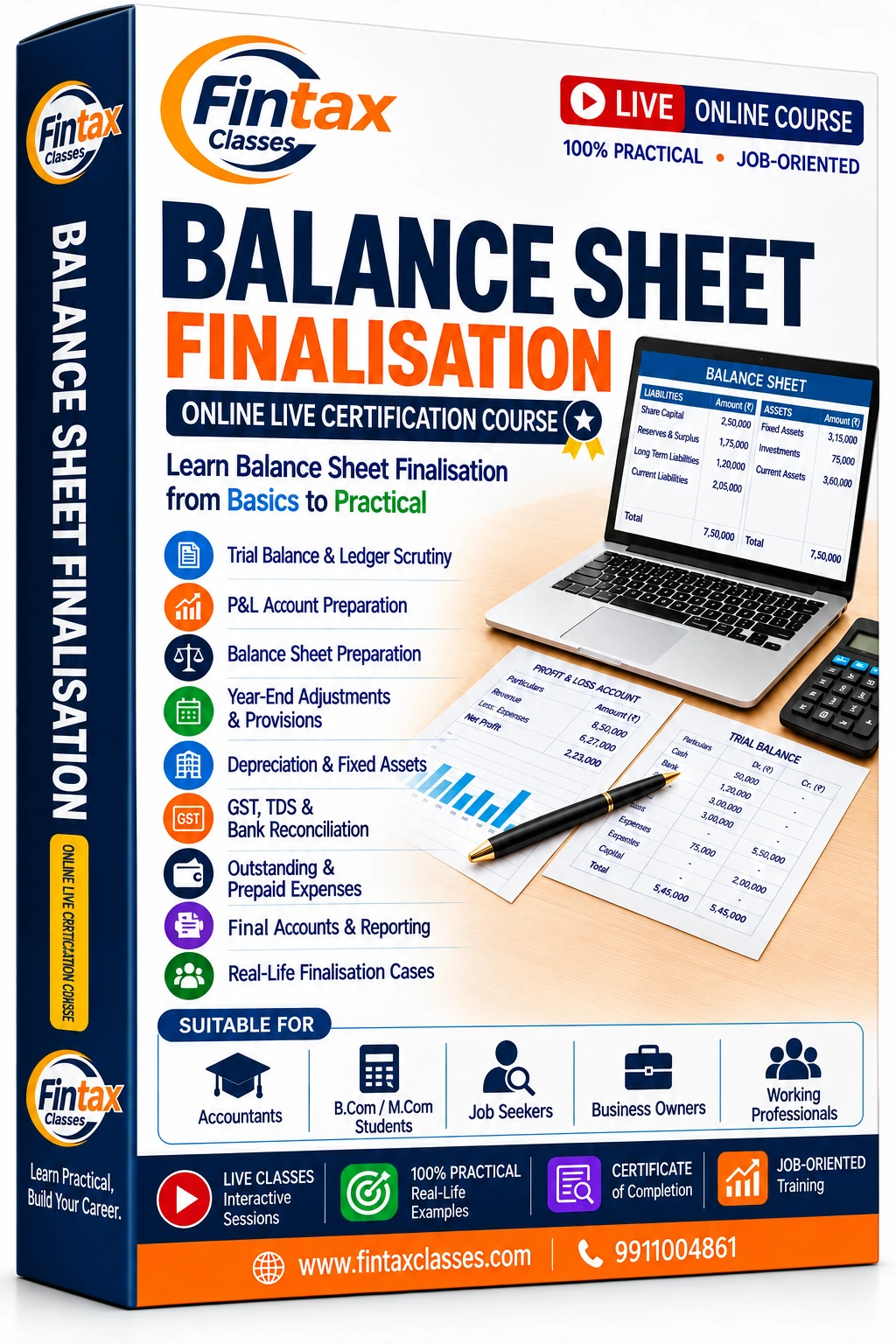
Balance Sheet Finalisation
Practical workflow for Trial Balance review, ledger scrutiny, year-end adjustments and financial statement preparation.
View course
 Business & Startup Consultancy
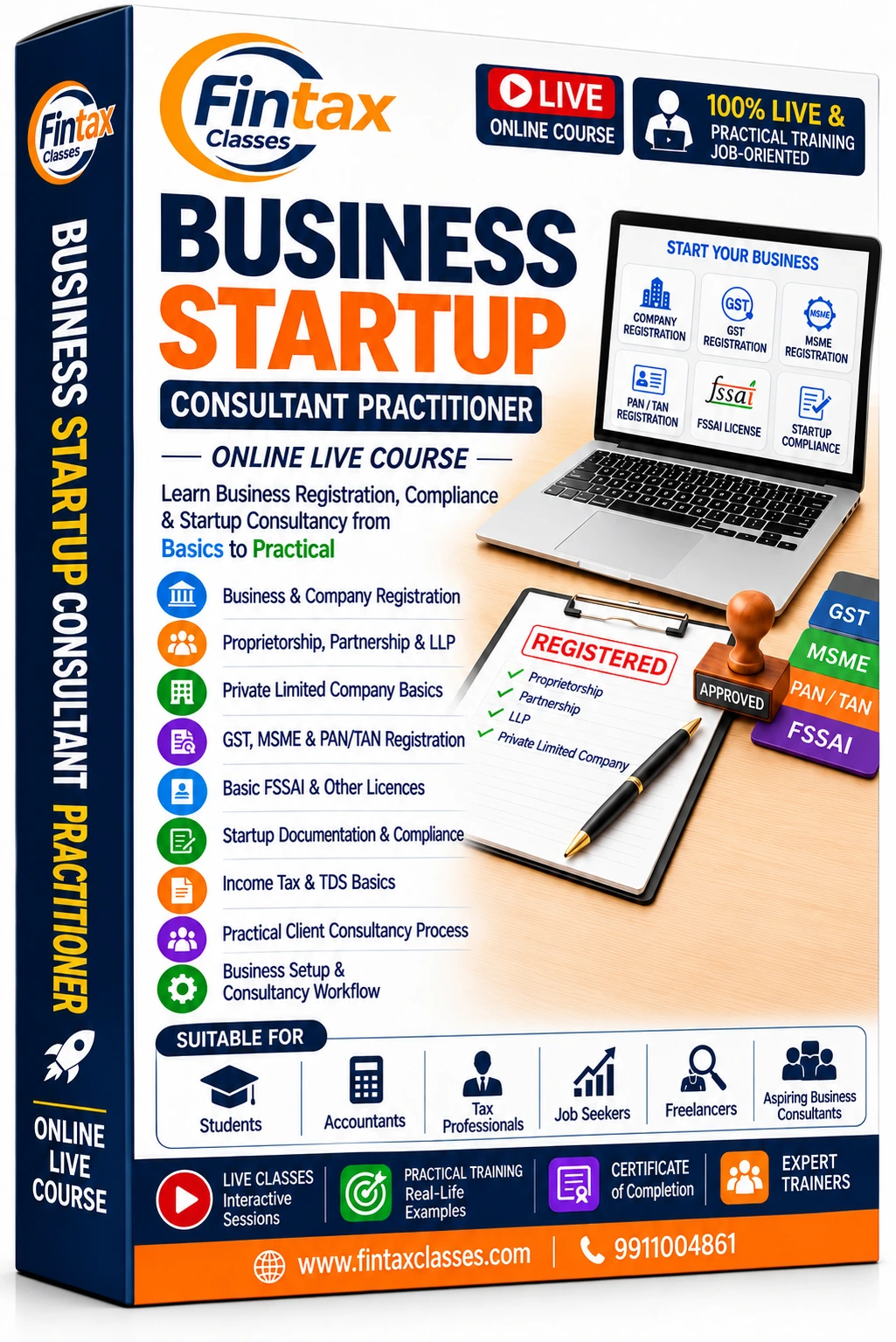
Business Startup
Learn Business Registration, Compliance & Startup Consultancy from basics to practical through 100% live, practical and job-oriented training.
View course